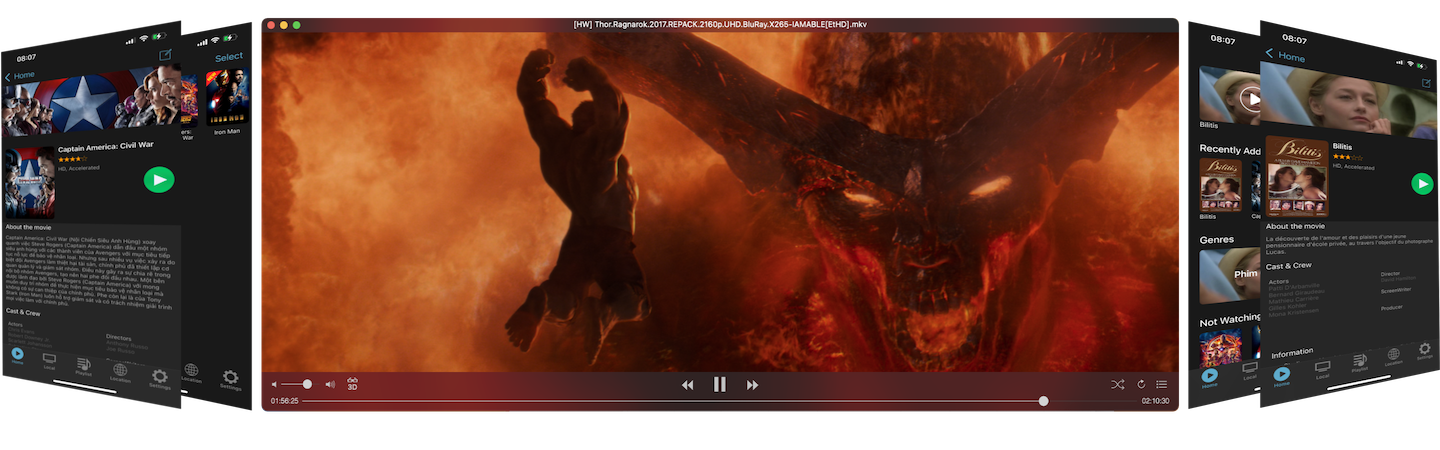
Enjoy your freetime.
Present custom subtitle for video streaming services.
Subtitle Player. Present custom subtitle for video streaming services.
• Apple TV, Netflix, Hulu, Disney+...
• SRT & ASS subtitle formats.
• Download subtitles from Internet.
• Easy to synchronize subtitle and the video.
• View on AppStore

Subtitle Player. Synchronize.
• Open video, pause, slide to the beginning.
• Open subtitle (on Subtitle Player), pause, slide to the beginning.
• Press play button on the keyboard to start play the video and the subtitle at the same time.
• After 15-20 minutes, subtitle & video may be mismatched. Use (-1.0s, -0.5s, -0.25s, +0.25s, +0.5s, +1.0s) button to re-sync subtitle & the video.
• Click  button to hide control.

Subtitle Player. Synchronize.
• Play the video.
• Open subtitle file with Subtitle Player.
• Use the slider to adjust subtitle time near to video time.
• Use (-1.0s, -0.5s, -0.25s, +0.25s, +0.5s, +1.0s) button to sync subtitle with the video.
• Click button to hide control.

Download subtitle from Internet:
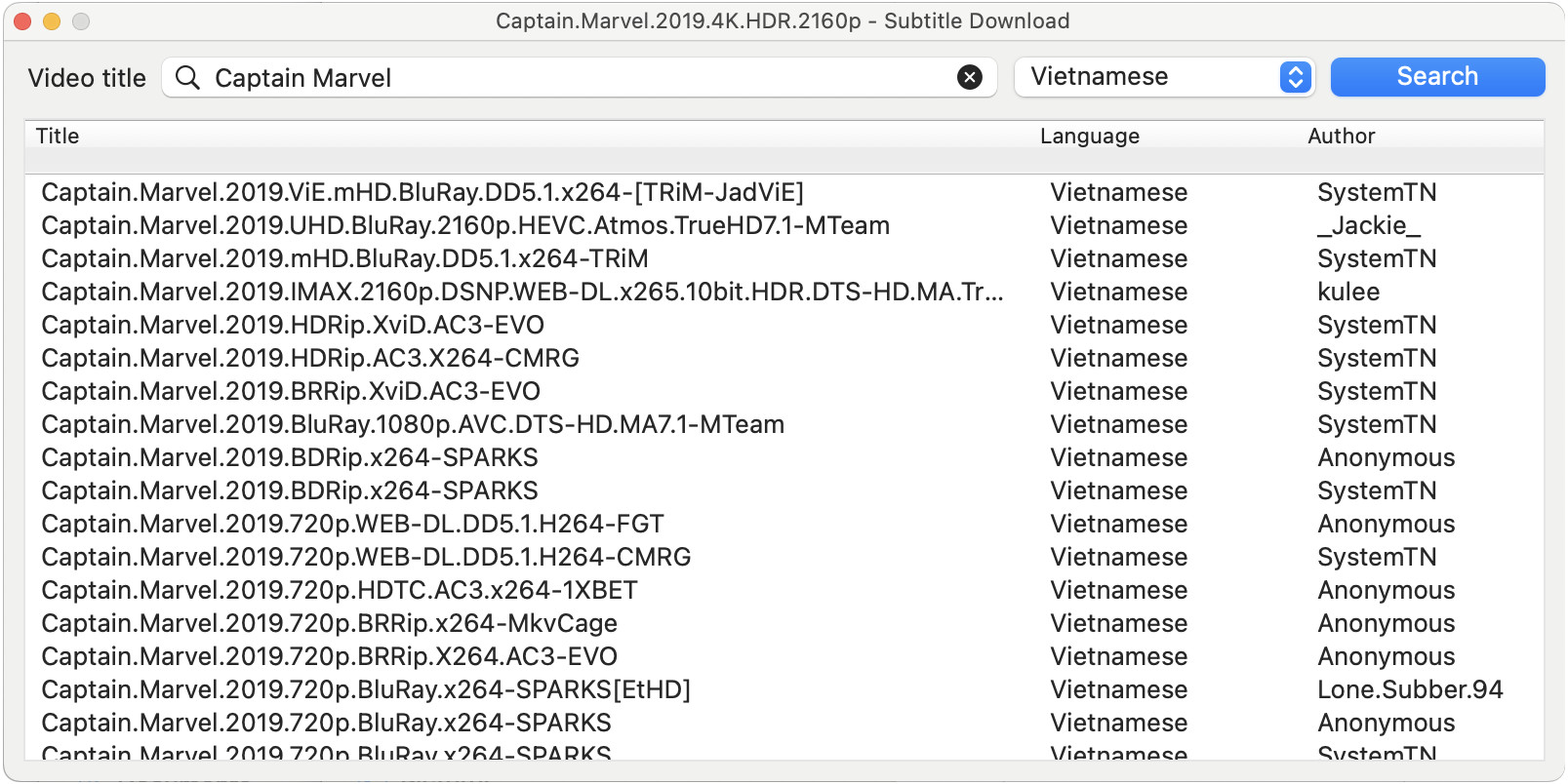
Go to menu File->Search Internet...Enter subtitle name, click Search button then double-click to the subtitle list to select.
SubtitlePlayer. Demo video.